We use cookies
Essential cookies keep facy.ai working. With your permission we also use analytics and advertising cookies to understand how the site is used and to measure our ads. Privacy Policy
Photo Head Swap
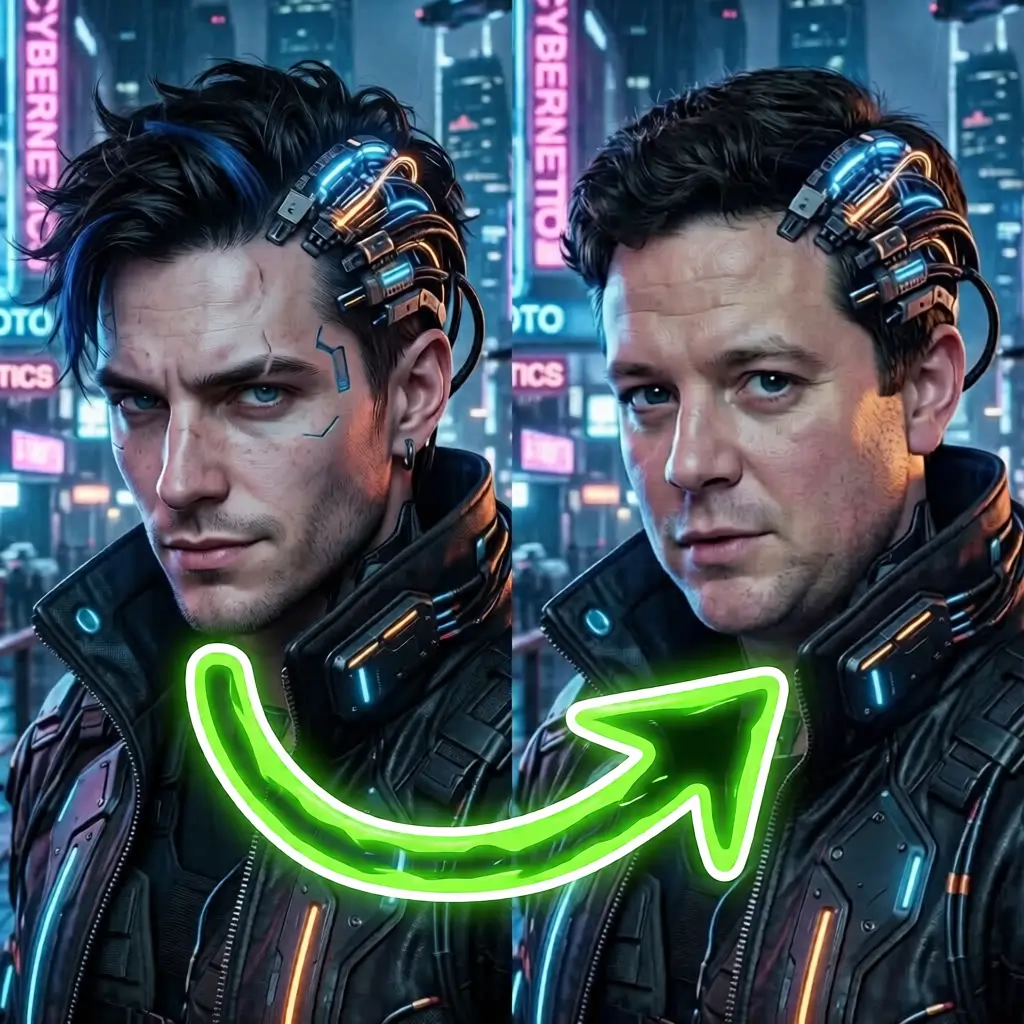
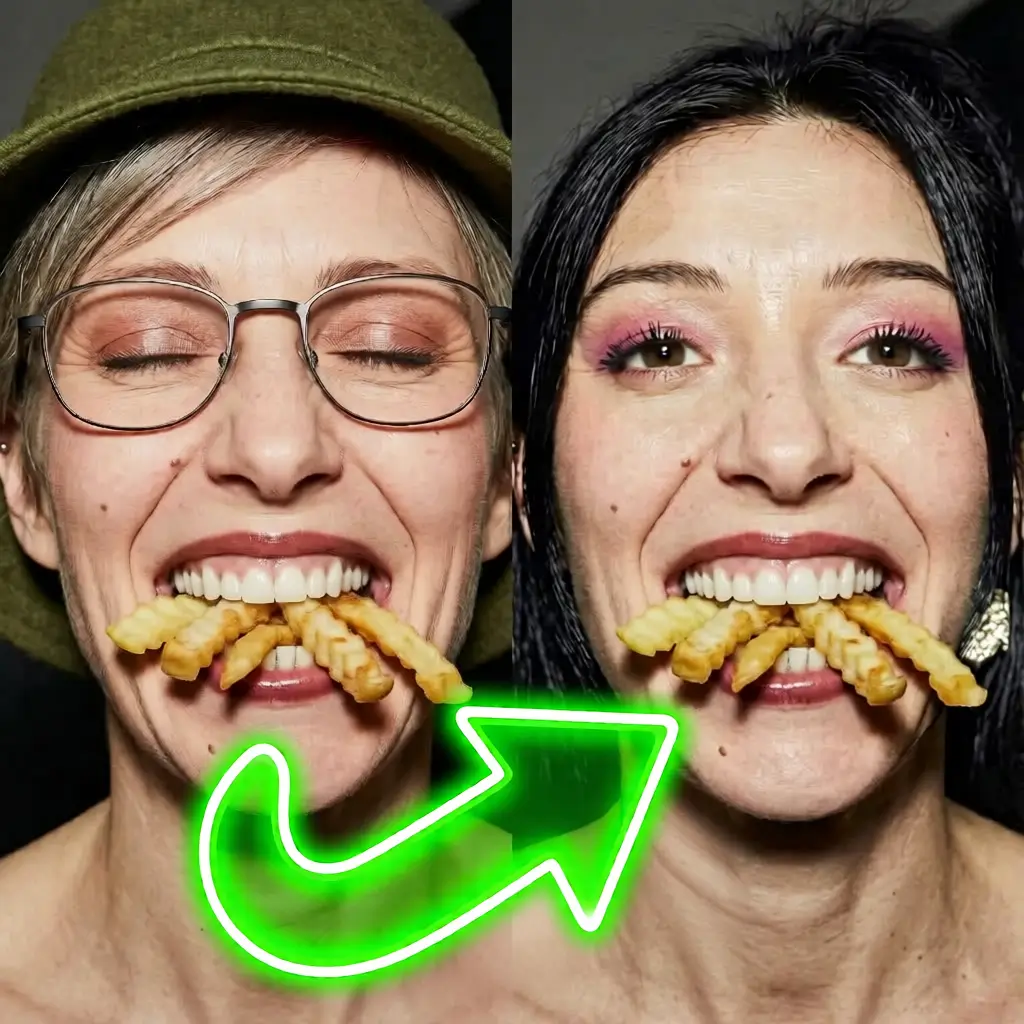
Swap heads on any photo with AI. Upload a source head and a target photo, then download your realistic result for free.
What Our Users Say
"Excelent"
"Yes"
"Easy to use."
"It's great that it makes the photo so clear."
"EXCEPTIONALL"
"Very fast and easy"
AI Head Swap on Image: Replace Heads on Any Photo — Even in Group Shots
This AI Head Swap tool lets you swap a head from one photo onto another photo. Upload a source head and a target photo, and the AI generates a realistic composite with matched lighting, skin tone, and proportions. With the premium HeadUltra model, you can even perform a multi-person head swap and replace just one specific person in a group photo. Sign in for free (Google or email) to receive free credits and try the tool.
Source head + target photo
Upload two photos: one containing the head you want and another with the person (or people) you want the head placed on. The AI detects the face/head area in each image and performs a seamless head swap.
Optional custom prompt
Fine-tune the result by expanding the "Custom prompt" section and writing instructions like "keep eyes open", "change the expression to happy", or "keep the band on the forehead". On HeadUltra, you can also use it to pick which person in a group photo gets swapped.
How to use the AI Head Swap
- Sign in for free to claim free credits (Google or email).
- Upload Source Head — the photo containing the head you want to use.
- Upload Target Photo — the photo where the head will be placed (a single portrait or a group shot).
- Customize (optional) — expand the "Custom prompt" box to fine-tune the expression, keep accessories, or choose which person to swap.
- Click Generate, then download your result. Iterate by adjusting images or the prompt.
Multi-person head swap in group photos (HeadUltra)
The premium HeadUltra model can handle photos with several people and swap only the person you choose. Upload the group shot as the Target Photo, then describe who to swap in the "Custom prompt" — for example, "Swap the head of the 3rd man from the left only, keep everything else untouched" or "Only swap the woman in the red dress". Everyone and everything else in the photo stays exactly as it is. HeadUltra is available on paid plans.
Popular head swap use cases
Group photo fixes
Someone blinked in the group photo? Swap their head from a better shot — with HeadUltra, you can target exactly one person and leave the rest of the group untouched.
Creative & fun swaps
Place your head on a cartoon character, a historical painting, or a funny costume for memes and laughs.
Professional headshots
Swap your head onto a character wearing professional attire for a polished headshot without a photoshoot.
Content creation
Create engaging social media content, thumbnails, and visuals by swapping heads into various scenes and settings.
FAQ
What is AI Head Swap on Image?
How does the head swap work?
Can I customize the head swap result?
Can it swap a specific person in a group photo (multi-face swap)?
Is the AI Head Swap free?
What file formats work best?
How long does a head swap take?
Do I need permission to swap heads on a photo?
Responsible use & consent
AI head swapping can be fun and useful, but it can also be misused. Please only upload images you own or have permission to edit, and avoid using someone else's likeness without consent. Follow your local laws and our Terms.
- Don't impersonate real people for fraud, harassment, or deception.
- Don't upload private, sensitive, or copyrighted material without authorization.
- When in doubt, get permission before swapping heads and sharing images.